Why Windows Users Need WSL2
中文版 | English
Official Position
OpenClaw's official documentation clearly states:
"OpenClaw on Windows is recommended via WSL2 (Ubuntu recommended)... Native Windows might be trickier. WSL2 gives you the full Linux experience."
This isn't about "can't run" technically, but rather:
- Native Windows is in "technical preview" status - Has
install.ps1but official support focuses on macOS/Linux/WSL2 - Skills ecosystem is primarily Linux/macOS-based - Many skill installers require Homebrew, apt, or Linux binaries
Memory Feature Issues
OpenClaw's memory subsystem (RAG / vector DB) commonly has issues on native Windows:
Technical Challenges
- Embeddings package compatibility: Some embeddings packages (like
onnxruntime-node) require additional Visual C++ runtime on Windows - Path handling differences: File path handling (
\vs/) may cause memory indexing failures - Native module compilation: Some dependencies require node-gyp + Visual Studio Build Tools
WSL2 Advantages
In WSL2 these issues are essentially non-existent, as it's a standard Linux environment:
✅ Standard POSIX paths
✅ Complete native module compilation toolchain
✅ Consistent with upstream development environment
Skills Compatibility
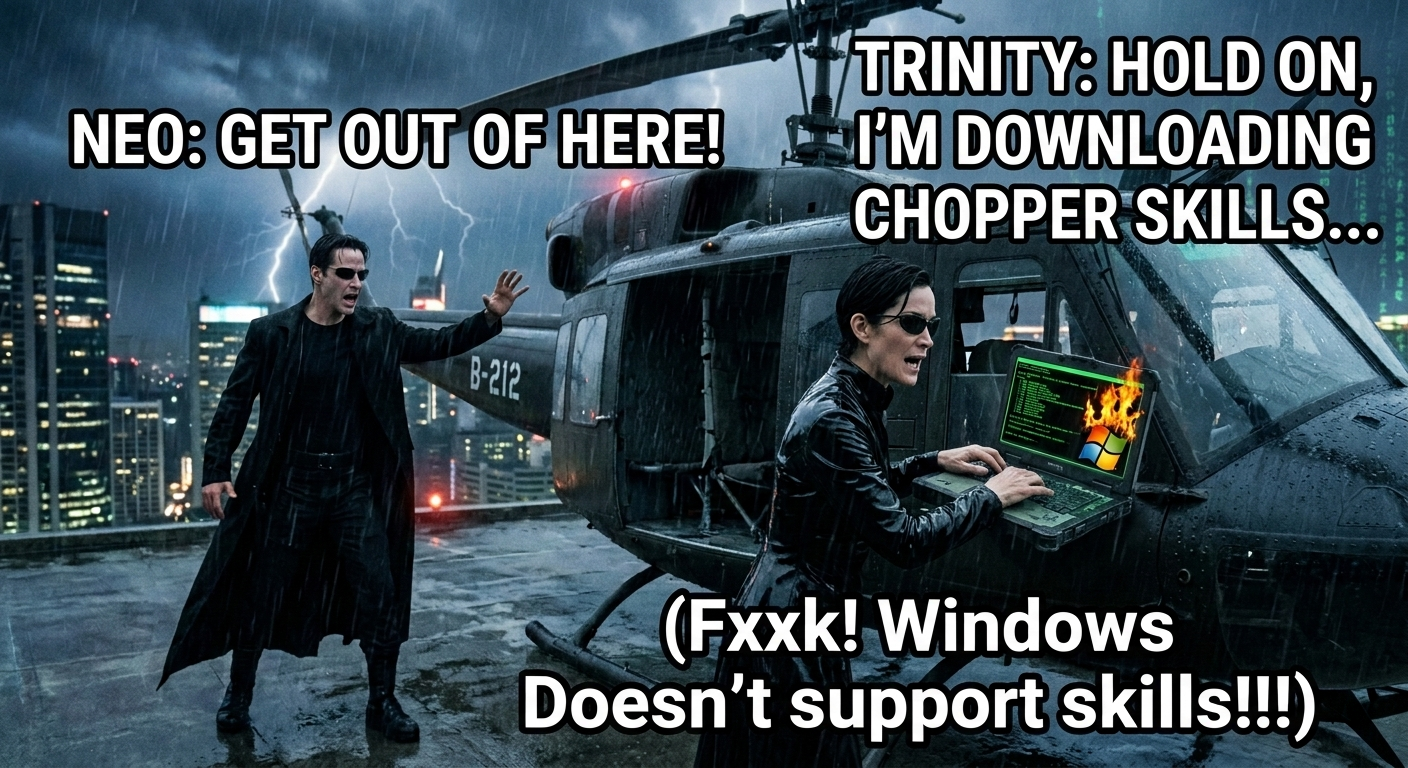
"You take the blue pill -- you stay on native Windows, and you believe whatever you want to believe. You take the red pill -- you install WSL2 and I show you how deep the OpenClaw Skills rabbit hole goes..." 💊🦞
How Skills Work
The metadata.openclaw.os field and installer mechanism in skills determine availability:
os: ["darwin", "linux"]  # Many skills only list these two
installer:
  type: brew             # Homebrew doesn't exist on Windows
  package: some-tool
Native Windows Limitations
On native Windows:
❌ OS gating: If skill's os field doesn't include win32, it's automatically excluded
❌ Missing installer: Even if manually installed, the brew command doesn't exist
❌ Binary incompatibility: Linux/macOS executables can't run on Windows
WSL2 Advantages
In WSL2 environment:
✅ Correct platform identification: process.platform === 'linux', skills are recognized as available
✅ Complete package management: Can use apt / Homebrew for Linux to install dependencies
✅ Community testing coverage: Most skill developers test in Linux environments
Actual Impact Scope
According to community statistics, approximately 60-70% of public skills require one of:
- Homebrew (macOS/Linux only)
- apt/yum or other Linux package managers
- Linux-specific CLI tools (like
jq, specific versions ofcurl)
Homebrew Issue
Official Statement
Homebrew officially states:
"Homebrew does not support native Windows. You can use WSL to install Homebrew on Linux."
Why Can't It Be Ported to Windows?
- Unix toolchain dependency: Homebrew deeply depends on Unix tools like bash, make, gcc
- Path assumptions: Many formulas assume Unix paths like
/usr/local,/opt/homebrew - Symbolic links: Windows' symbolic link mechanism differs from Unix
Alternative Solutions
| Solution | Pros | Cons |
|---|---|---|
| Scoop / Chocolatey | Windows native | Skills don't support them |
| MSYS2 / Cygwin | Provides POSIX environment | No official Homebrew support |
| WSL2 | Real Linux | Requires virtualization support |
Performance Considerations
WSL2 Performance
- CPU computation: Close to native Linux (~95-99% performance)
- Memory: Dynamic allocation, shared with Windows
- Disk I/O: Close to native within WSL2 filesystem, slower across filesystems (
/mnt/c)
Best Practices
✅ Recommended: Keep OpenClaw-related files within WSL2 filesystem (~/)
⚠️ Avoid: Frequent access to files under /mnt/c
Summary: When to Use WSL2?
Use Native Windows Version When
✅ Just want to quickly try OpenClaw + Ollama
✅ Don't need skills / memory advanced features
✅ Primary use is chat conversations
Should Use WSL2 When
✅ Need complete memory functionality (RAG / long-term memory)
✅ Want to install community skills
✅ Need stable production environment
✅ Plan to participate in development or debugging
References
- OpenClaw Official Documentation - Windows Platform
- Homebrew Official Statement
- WSL2 Official Documentation
Back to: Main README | WSL2 Installation Guide | Migration Guide | Model Guide
Last Updated: 2026-03-08 by anomixer